
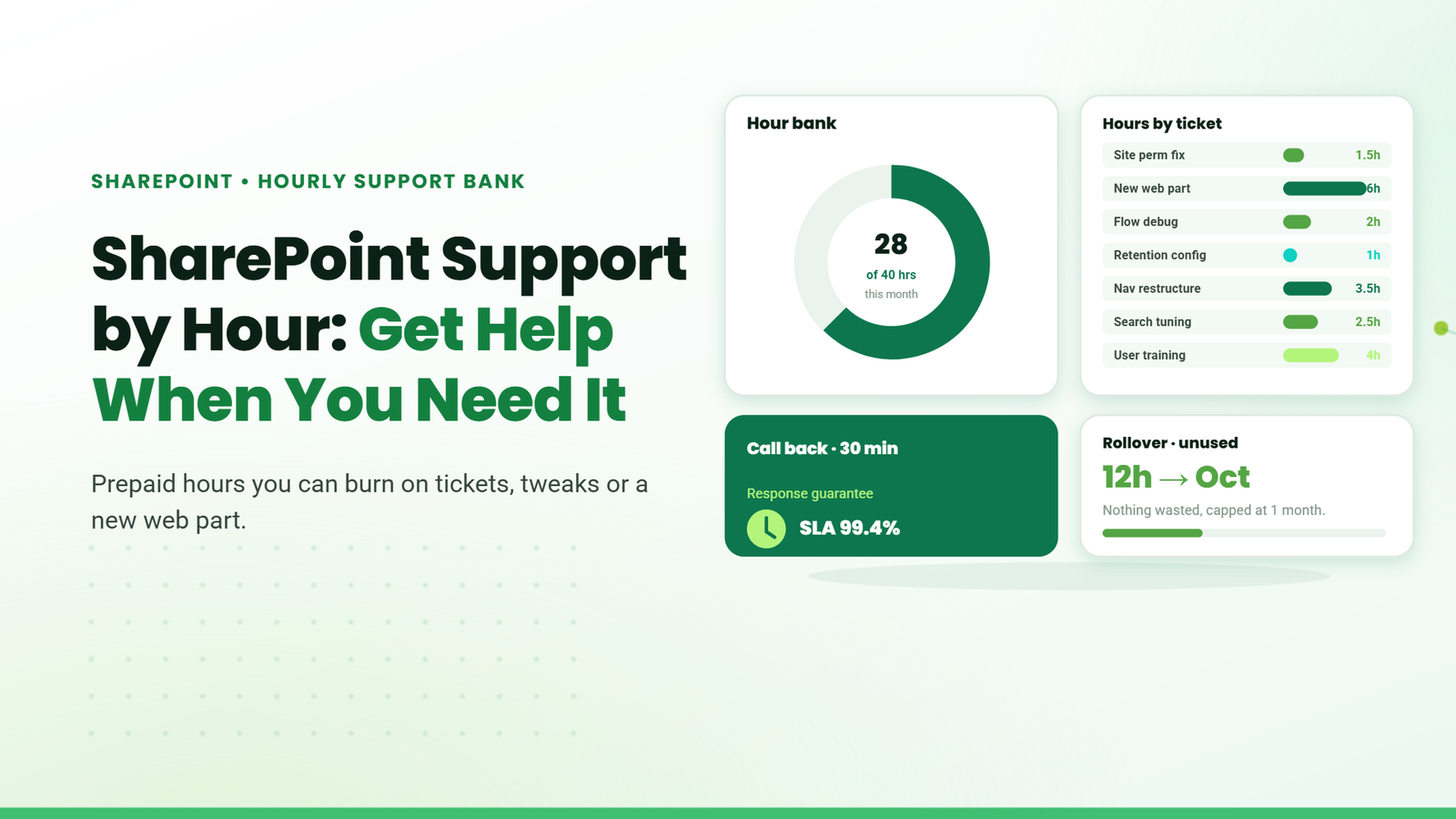
Not every business needs a full-time SharePoint expert, and that’s where SharePoint Support by Hour comes in. Whether you need quick troubleshooting, custom enhancements, or guidance on best practices, hourly SharePoint support lets you pay only for what you use—nothing more, nothing less.
Why Choose SharePoint Support by Hour?
1. Cost-Effective & Flexible
Why lock yourself into an expensive contract when you can get SharePoint support by hour only when needed? Pay as you go and get expert assistance without long-term commitments.
2. Fast Issue Resolution
Unexpected problems can slow down your business. With hourly support, you can troubleshoot and fix issues quickly, before they cause major disruptions.
3. Expert Help Without Hiring Full-Time Staff
Hiring a full-time SharePoint expert is costly. Hourly SharePoint by hour support gives you direct access to professionals without the overhead.
4. Scale Up or Down as Needed
Your support needs change over time. With hourly support, you can easily adjust based on your current projects and priorities.
5. Get Specialized Support
Whether it’s performance tuning, security updates, or integrations, you get access to the right expertise at the right time.
What’s Included in Hourly SharePoint Support ?
- Troubleshooting & Issue Fixes: Quick solutions for errors, integration hiccups, and system glitches.
- Performance Optimization: Improve load times, streamline workflows, and enhance collaboration.
- Security & Compliance: Regular updates, security checks, and compliance audits to protect your data.
- Customization & Development: SharePoint to fit your business needs with custom solutions and workflow automation.
- User Training & Best Practices: Empower your team with hands-on guidance to maximize productivity.
When Should You Use SharePoint Hourly Support?
- When SharePoint is running slow or acting up.
- If you need help integrating SharePoint with other tools.
- When security risks need urgent attention.
- If your team needs training on SharePoint features.
- When you require minor customizations or enhancements.
How to Pick the Right SharePoint Support Provider
Not all support providers are the same. Here’s what to look for:
- Experience & Certifications: Choose Microsoft-certified experts.
- Fair Pricing: Find a provider with transparent and competitive rates.
- Proven Track Record: Check testimonials and case studies.
- Fast Response Times: Ensure they resolve issues quickly.
Common SharePoint Challenges Businesses Face
Many organizations struggle with SharePoint due to common issues like:
- Integration Problems: Compatibility issues when working with other tools.
- Data Loss or Corruption: A lack of proper backups can be a disaster.
- Slow or Inefficient Workflows: Poorly designed processes can waste time instead of saving it.
- User Adoption Issues: Without training, employees may not use SharePoint effectively.
- Security Gaps: Regular updates and patches are critical to protect against cyber threats.
Hourly Support vs. Managed Services
If you’re debating between hourly support and managed services, here’s a quick breakdown:
Table of Contents
- 1. Introduction
- 2. Why Choose SharePoint Support by Hour?
- 3. What’s Included in Hourly SharePoint Support ?
- 4. When Should You Use SharePoint Hourly Support?
- 5. How to Pick the Right SharePoint Support Provider
- 6. Common SharePoint Challenges Businesses Face
- 7. Hourly Support vs. Managed Services
- 8. Getting the Most Out of Your Support Hours
- 9. Get Started with SharePoint Support by Hour
Talk to our Microsoft Expert Consultant
- Hourly Support: Best for occasional troubleshooting and one-off projects. Pay for what you need.
- Managed Services: Ideal for businesses requiring ongoing maintenance, updates, and proactive monitoring. Usually involves a monthly fee.
Getting the Most Out of Your Support Hours
Make every support hour count by following these tips:
- Know What You Need: Before requesting help, outline your specific issues or goals.
Prioritize Tasks: Tackle the most critical issues first to maximize efficiency. - Provide Access & Documentation: Give your support provider the necessary permissions and background to resolve issues faster.
- Schedule Regular Check-Ins: If you often need help, consider setting up routine reviews.
Get Started with SharePoint Support by Hour
Big or small, SharePoint challenges don’t have to slow you down. Hourly support offers a practical, budget-friendly way to keep your system running smoothly. Whether it’s troubleshooting, security updates, or workflow improvements, expert help is just a call away.
Need SharePoint support right now? Contact us and get expert help on demand—only pay for what you use!
Share this article