
Understanding Salesforce Customer 360: A Unified Customer View for Modern Businesses
Customer expectations are rising faster than ever. They expect your company to remember their preferences, solve their issues quickly, and offer consistent, seamless service across every channel — email, phone, web, social, and even in-store.
But here’s the problem: Most businesses still operate in silos.
Marketing doesn’t know what support is doing. Sales doesn’t know what product the customer just returned. And leadership doesn’t have the full picture to make decisions.
This fragmentation doesn’t just lead to inefficiencies — it hurts trust, reduces customer loyalty, and slows growth.
That’s exactly the challenge Salesforce Customer 360 is built to solve.
What is Salesforce Customer 360?
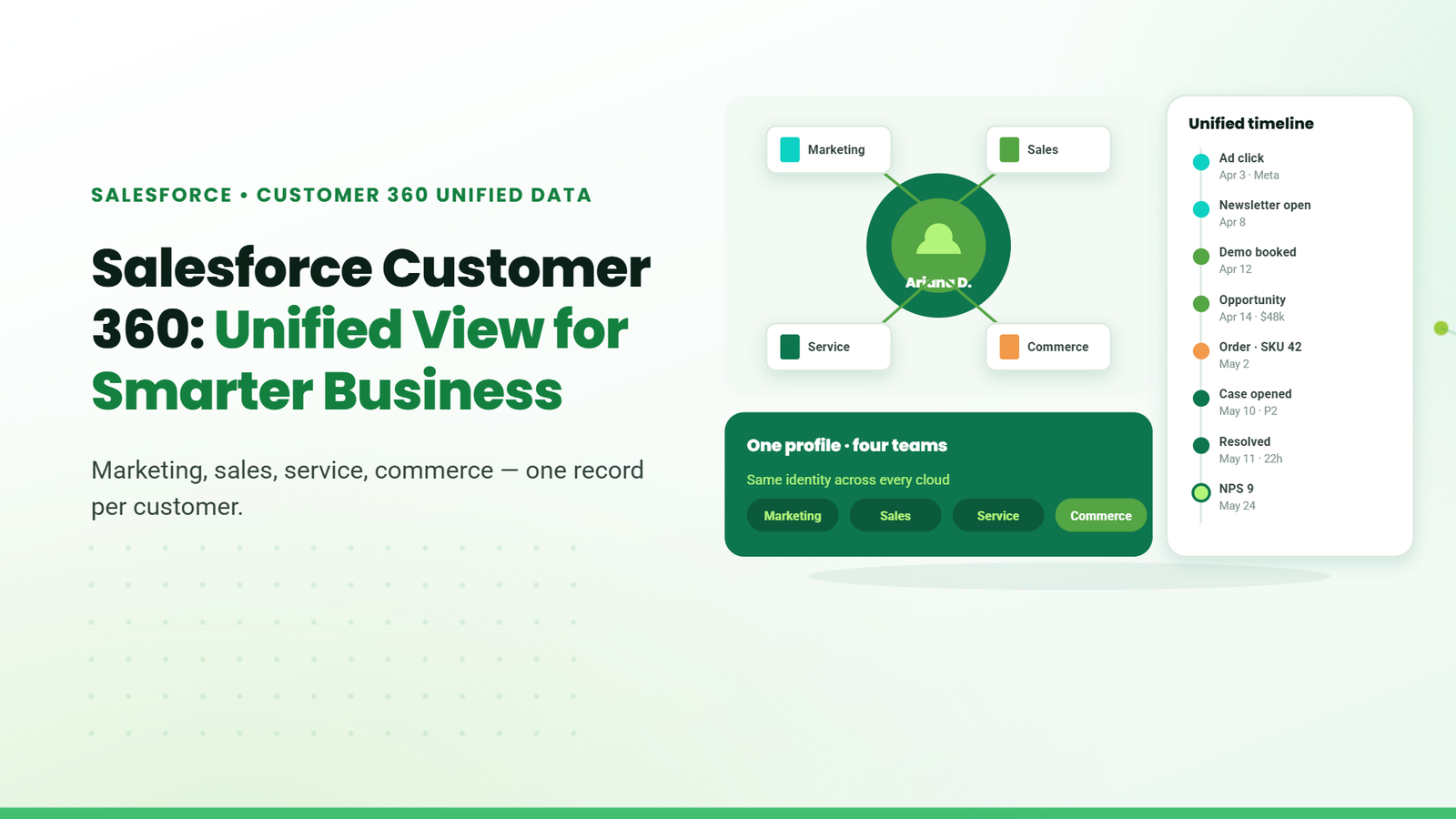
Salesforce Customer 360 is a powerful framework that connects your sales, marketing, support, commerce, and analytics efforts into one unified customer view.
Think of it as your company’s brain — collecting data from everywhere and sharing it with every team. Whether a customer contacted support last week, made a purchase yesterday, or clicked an ad today — all of that information is centralized in one place, giving every department access to the same real-time customer profile.
With Customer 360, your teams are aligned, your messaging is consistent, and your service is personalized — across every touchpoint.
Key Features of Salesforce Customer 360
1. Data Integration & Customer 360 Truth
Customer data lives in many places — CRMs, websites, mobile apps, ERPs, even spreadsheets. Customer 360 brings all that together.
Through Customer 360 Truth, Salesforce uses tools like Identity Resolution and Data Manager to merge, clean, and de-duplicate data across systems. This results in a “single source of truth” — the most accurate, complete profile of each customer.
And with MuleSoft integration, even third-party or legacy systems can be connected. Whether you operate in one org or manage multiple Salesforce orgs across geographies, Customer 360 can centralize data seamlessly.
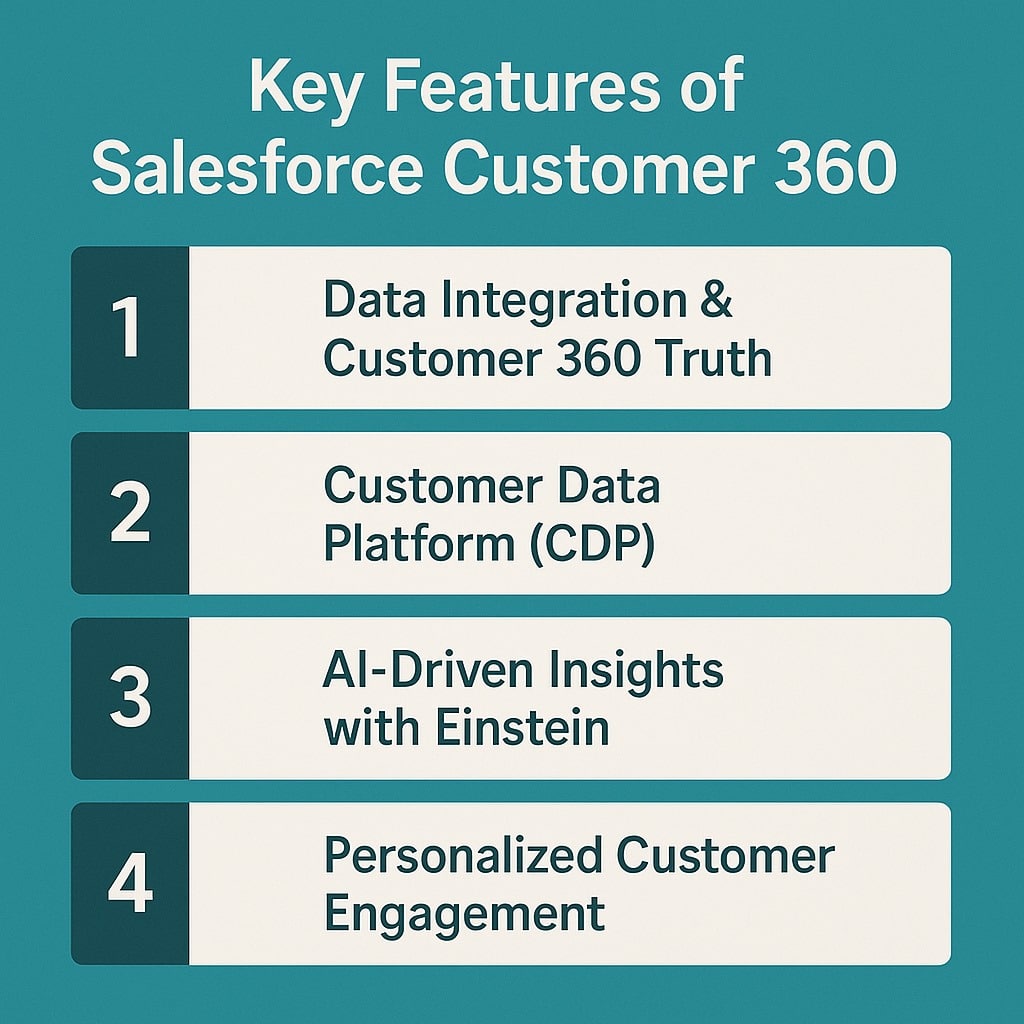
2. Customer Data Platform (CDP)
The Salesforce CDP is your dashboard to the customer’s world.
It captures behavior from all channels — email opens, support tickets, website visits, app usage — and organizes them into unified profiles that update in real time.
Everyone from a sales executive to a support rep can see the same record. For large organizations, this is a game-changer: data from different teams, departments, or countries is no longer isolated.
3. AI-Driven Insights with Einstein
Once data is unified, the real magic begins.
Salesforce’s Einstein AI analyzes the data to uncover patterns, detect customer churn risks, recommend personalized offers, and even auto-generate follow-ups or next-best actions.
This gives your team not only a rear-view mirror (what happened) but also a predictive lens (what might happen next).
4. Personalized Customer Engagement
Imagine a customer browsing your site for office furniture. They receive a tailored email the next day with a discount on desks. Your sales rep then follows up with a personalized quote. Support already knows their purchase history.
That’s omnichannel personalization, and Customer 360 makes it possible.
By combining real-time behavior with historical data, every interaction becomes smarter — and every customer feels known and valued.
Salesforce Customer 360 for Multi-Org Enterprises
Large enterprises often manage multiple Salesforce orgs — by business unit, region, or acquisition. That leads to data being stored in silos.
Salesforce Customer 360 solves this by using:
- MuleSoft to connect external systems and orgs
- CDP to consolidate customer behavior from each org
- Customer 360 Truth to match identities across data sets
Let’s say you have a retail brand and a logistics arm — each with separate Salesforce orgs. Customer 360 lets your sales team see shipping issues, and your support team view order history, even if that data exists in two different environments.
This is critical for holding companies, conglomerates, and businesses with international footprints.
Benefits of Salesforce Customer 360
The ROI goes beyond just a unified profile. Here’s what you unlock:
1. Unified Customer Data View
No more “version control” issues. Everyone works off the same, real-time profile.
2. Consistent Cross-Team Collaboration
Sales, support, and marketing operate as one cohesive unit, reducing redundancy and improving speed.
3. Personalized Experiences
Leverage customer behavior to tailor outreach, improve timing, and boost conversions.
4. Predictive Analytics
Einstein helps forecast customer needs, identify upsell opportunities, and prevent churn.
5. Scalable Framework
As your company grows, Customer 360 grows with you — across geographies, teams, and even new acquisitions.
6. Enhanced Security and Compliance
Built-in tools ensure GDPR, HIPAA, and other global compliance standards are met with ease.
How to Implement Salesforce Customer 360: Step-by-Step
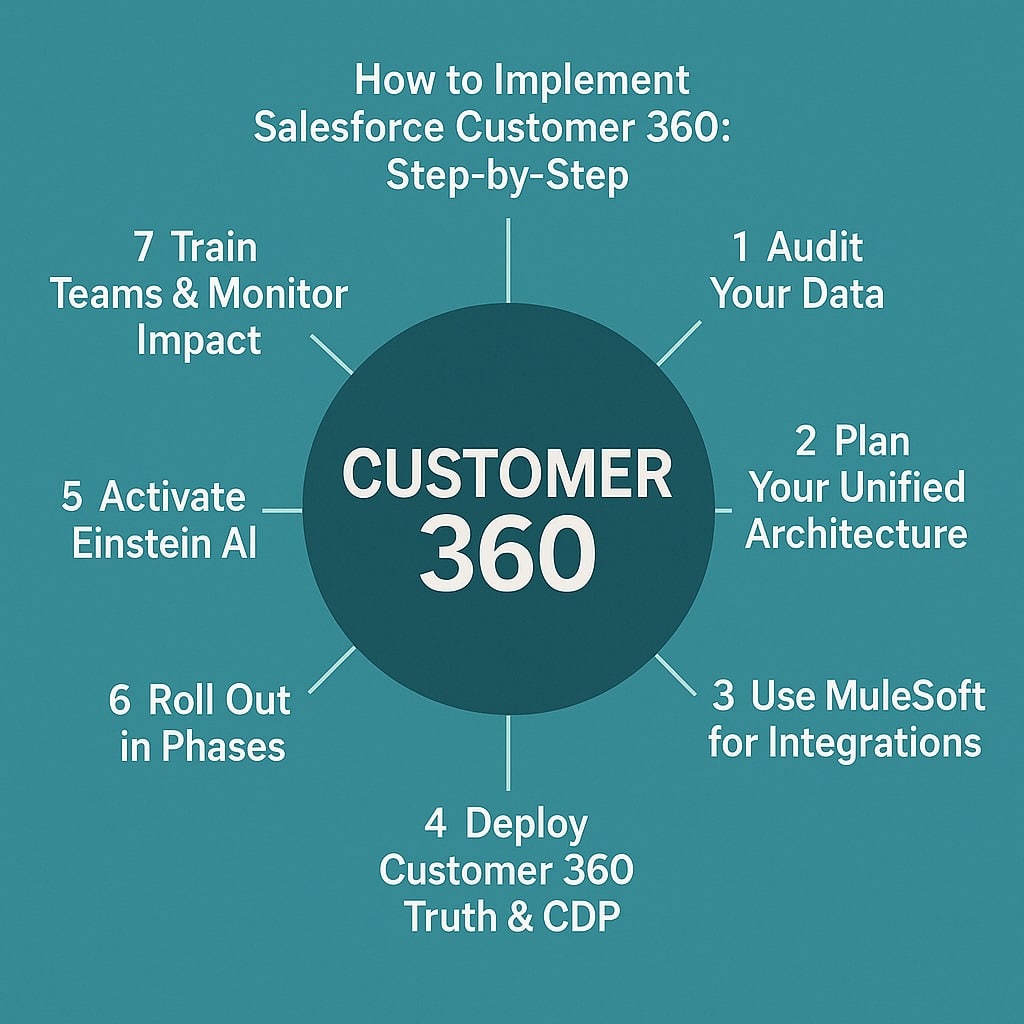
Rolling out Customer 360 doesn’t need to be complex. Here’s a practical roadmap:
- Audit Your Data:Identify where customer data currently lives (Salesforce orgs, third-party CRMs, support systems, e-commerce, etc.)
- Plan Your Unified Architecture: Define your data model and what each team needs from the unified profile.
- Use MuleSoft for Integrations: Connect legacy systems, ERPs, or third-party platforms to Salesforce.
- Deploy Customer 360 Truth & CDP: Match identities, resolve duplicates, and enable access across teams.
- Activate Einstein AI: Set up intelligence for churn prediction, recommendations, and automated workflows.
- Roll Out in Phases: Start with one department, get quick wins, then scale to others.
- Train Teams & Monitor Impact: Ensure all users understand how to leverage the unified view and gather feedback continuously.
Table of Contents
Talk to our Microsoft Expert Consultant
Conclusion
Businesses no longer compete on product alone — they compete on experience.
If your customer data is fragmented, your experience will be too. Salesforce Customer 360 fixes that by giving your entire organization a single lens through which to understand and serve each customer.
It’s not just about CRM anymore. It’s about creating seamless, personalized journeys — at scale.
Share this article

About the Author
Chandru D is the CEO of TechnoRUCS, sharing insights on Microsoft technologies, Salesforce solutions, AI, and digital transformation to help businesses solve challenges and grow through technology.